How to Unblock Websites Without a VPN
Posted on 6/20/2026
A VPN is the tool most guides reach for first, but it is not always the right fit. They cost money if you want a good one; they need to be installed, and on a managed work or school device, you often cannot install anything at all. The good news is that you do not need a VPN to open most blocked websites. Several reliable, no-install methods work directly in your browser or through your device settings, and this guide walks through each of them in plain terms.
Why skip the VPN?
There are a few common reasons people look for a VPN-free route. On a locked-down school Chromebook or company laptop, installing software is usually blocked, which rules a VPN out before you start. Reputable VPNs are paid, and the free ones often come with slow speeds, data caps, or questionable privacy practices. VPNs also add encryption overhead that can slow your connection, which is overkill when you just need to open a single page quickly.
For everyday unblocking, lighter tools do the job without any of that friction. Here are the best ones, starting with the easiest.
Method 1: Use a free web proxy
A web proxy is the closest thing to a VPN's convenience without any of the installation. It works as a middleman between you and the blocked site. Instead of connecting directly, you connect to the proxy, and it fetches the page and sends it back to you. Because the request appears to come from the proxy rather than the blocked domain, the network filter does not recognize it.
The key advantage over a VPN is that a web proxy runs entirely inside your browser. There is nothing to download, no app to configure, and no admin rights required, which makes it ideal on managed devices where you cannot install anything.
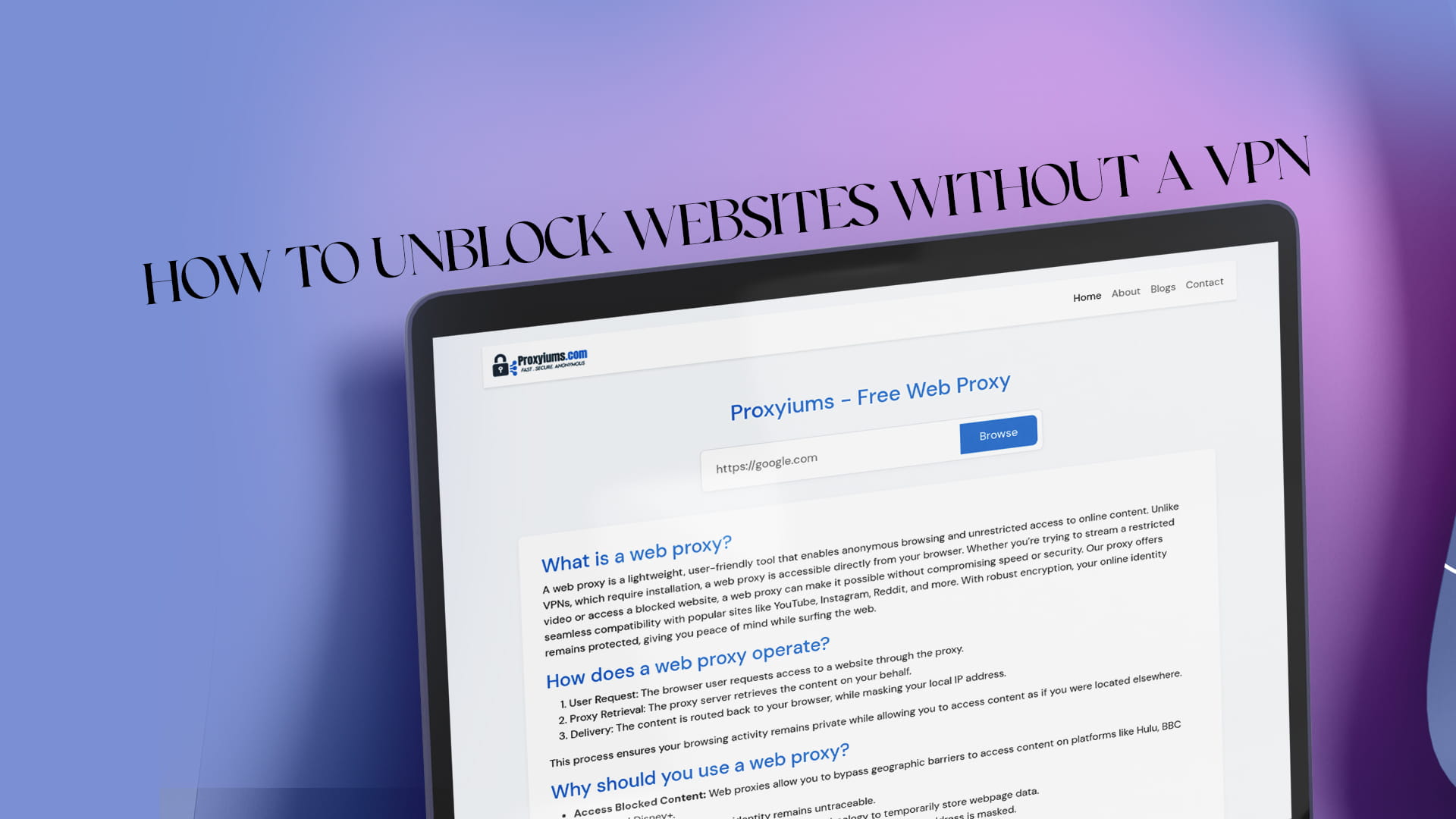
Proxyiums is a user-friendly web proxy built around this idea. It enables anonymous browsing and unrestricted access to online content directly from your browser. Unlike a VPN, which requires installation, Proxyiums is accessible the moment you open the page. Whether you are trying to stream a restricted video or open a blocked website for research, you can do it in a couple of clicks. This overview of Proxyiums as a free web proxy to unblock websites covers exactly how it handles restricted content.
A solid proxy also protects your privacy. Proxyiums encrypts your connection with SSL, even on sites that do not use it by default, and hides your real IP address behind the proxy's. If privacy is your main reason for unblocking in the first place, this guide to browsing fast and anonymously with a free web proxy explains what that protection does.
How to use Proxyiums (step by step)
- Open any browser on your laptop, Chromebook, tablet, or phone.
- Go to the Proxyiums website. Because it runs online, there is nothing to install first. The mechanics of how the web proxy works online are explained on the site.
- Paste the blocked URL into the proxy's input box.
- Connect and let the proxy load the page through its own server.
- Browse normally with your traffic routed through the proxy.
Method 2: Change your DNS settings
Many networks block sites at the DNS level. DNS is the system that turns a domain name like example.com into the numeric IP address your device actually connects to. If the network uses its own DNS to filter, switching to a public resolver can route around it.
The two most common public resolvers are Google's (8.8.8.8 and 8.8.4.4) and Cloudflare's (1.1.1.1). On most computers and phones you can change DNS in your network or Wi-Fi settings, save, and then reload the blocked site. This works well against DNS-based filtering and costs nothing, though it will not help if the block is happening at a different level.
Method 3: Use the site's IP address directly
Some filters only block the text domain name, not the underlying numeric address. If you can find a site's IP, typing that into your browser sometimes loads the page even when the domain is blocked. You can find an IP by running a ping command for the site on a computer. It is a hit-or-miss trick, since many modern filters block at the IP level too, but it is quick to try.
Method 4: Try a URL shortener
A URL shortener such as Bitly or TinyURL turns a blocked address into a different, shorter link. Because the shortened link does not match the blocked domain string, a basic URL filter may let it through. Paste the blocked address into the shortener, copy the new link, and open it. This works best against simple keyword or domain-based filters.
Method 5: Load the page through a translator
Online translation services fetch and re-serve web pages from their own servers, which can act as a lightweight proxy. Enter the blocked site's address into a translation tool and let it render the page. Because the content now comes through the translator's domain, some filters do not catch it. As with the other tricks, results vary by how the block is set up.
Method 6: Open a cached version
Search engines and web archive services store snapshots of pages. A cached copy can load even when the live site is blocked, which is handy for reading static content like articles and reference pages. It will not help with anything interactive or logged-in, but for reading material it is a clean, no-tool option.
Method 7: Switch to mobile data or a hotspot
If the block only exists on a specific Wi-Fi network, such as at school or work, you can sidestep it entirely by using your phone's mobile data or turning on a personal hotspot and connecting your other device to that. Your traffic then travels over your carrier instead of the filtered network, so its rules no longer apply. The cost is your own data and sometimes weaker indoor signal, but no network filter can touch it.
Method 8: Consider the Tor Browser
For stronger anonymity without a paid VPN, the Tor Browser routes your traffic through several volunteer servers, making it very hard to trace. It is slower than a proxy because of the multiple hops, it requires downloading the browser (a problem on locked devices), and some networks block known Tor traffic. It is a useful advanced option, but for quick everyday unblocking a web proxy gets you there faster.
Web proxy vs. VPN: the short version
A VPN encrypts everything your device does and protects all your apps, which is great for lasting, system-wide privacy, but it usually needs to be installed and the good ones cost money. A web proxy works inside a single browser tab, needs no installation, and is free, which makes it the better tool for opening a blocked site quickly, especially on a managed device. You can get a fuller sense of what a no-install free web proxy offers by thinking about how much you actually need to protect for the task at hand.
Staying safe without a VPN
A few precautions keep these methods both effective and secure. Prefer proxies that use SSL encryption, like Proxyiums, so your traffic stays private on the network. Avoid random "unblocker" browser extensions, since many are ad-supported or carry malware. Be wary of any mirror or proxy page that asks for login details, as those are often built to steal credentials. And avoid entering sensitive account information on free public proxies you do not trust; save those for reputable services.
Final thoughts
You do not need to pay for or install a VPN to reach a blocked website. A free web proxy handles most cases in seconds, and when it does not, changing your DNS, trying a URL shortener or translator, or switching to mobile data usually finishes the job. For the everyday "this site is blocked" moment, a browser-based tool like Proxyiums is the fastest, friendliest answer: no download, no admin rights, just paste a URL and go. Keep the heavier options in reserve for bigger needs, use reputable tools, and you will have an open, useful internet without ever opening an app store.