How to Unblock Websites at Work Without Getting Caught
Posted on 6/20/2026
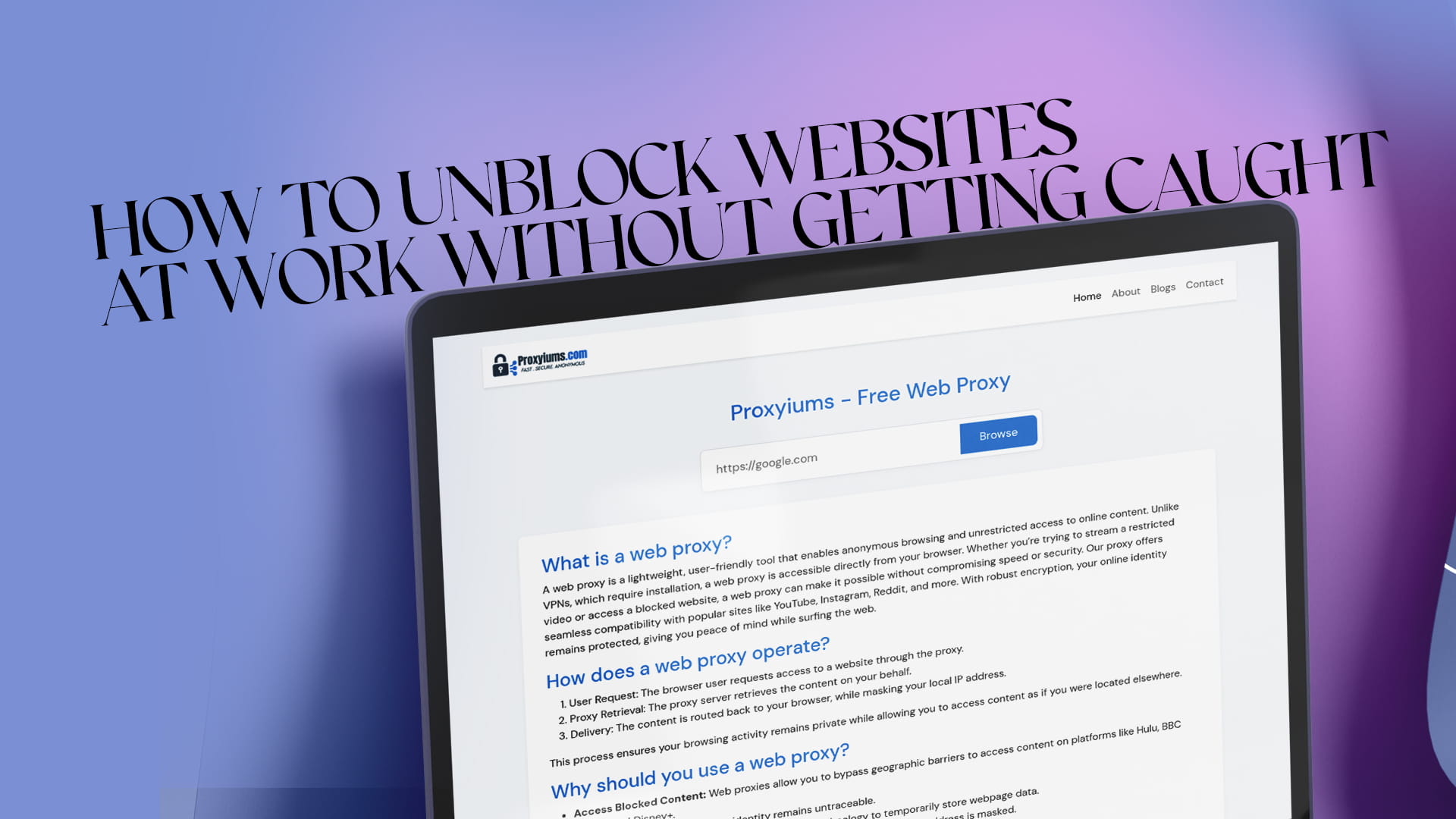
You are in the middle of a task and need to check a reference, watch a quick tutorial, or open a research page, and the company network throws up a "This site is blocked" wall. It happens constantly. Office networks filter a huge range of sites, and a lot of them are caught by accident rather than because they are genuinely off-limits. This guide explains how to reach the pages you need discreetly, why workplace filters and monitoring work the way they do, and how to stay private while keeping yourself on the right side of company rules.
Why workplaces block websites
Companies filter their networks for reasons that usually make sense from their side. The main ones are productivity, bandwidth, and security.
Productivity filtering targets social media, streaming, shopping, and gaming so employees stay focused during work hours. Bandwidth filtering blocks heavy sites like video platforms that can slow the whole office connection. Security filtering blocks anything flagged as risky, including sites known for malware, plus categories the company simply does not want on its network for legal or compliance reasons.
The trouble is that these filters are broad. They routinely block legitimate research material, industry blogs, documentation hosted on "social" domains, and tools you may need to do your actual job. That gap between what the filter blocks and what you genuinely need is where most people start looking for a workaround.
How workplace monitoring actually works
If your goal is to browse discreetly, it helps to understand what the network can and cannot see. Most company networks log the web addresses devices request, because every request passes through the company's gateway or firewall before reaching the internet. Some employers also use endpoint software installed directly on company computers that can record activity at the device level.
Two things follow from this. First, anything you do on the company Wi-Fi using a company device is the most visible. Second, a browser-based tool that does not require installation leaves no software footprint on the machine, which is why web proxies are the discreet, practical choice in an office. They run inside a normal browser tab and need no admin rights, no download, and no installation that IT would have to approve.
A note on staying within the rules
Before the methods, a bit of straight talk. Using a proxy is generally legal, but your employer's acceptable use policy governs what you are allowed to do on their network and equipment. Reaching a wrongly-blocked research page is very different from accessing inappropriate content or doing something against company policy, and the consequences for the latter can be serious.
The sensible approach is to use these methods for legitimate work needs: a blocked documentation site, a news article, an industry resource, or a tool the filter caught by mistake. Keep your activity appropriate and professional, and when in doubt, the cleanest move is simply to ask IT to allowlist the site. With that framing in place, here are the methods that work.
Method 1: Use a free web proxy (the discreet option)
A web proxy is the fastest and most low-profile way to open a blocked site at work. It acts as a middleman: instead of your browser connecting straight to a blocked site, it connects to the proxy first, and the proxy fetches the page and passes it back to you. Because the request now appears to come from the proxy rather than the blocked domain, the office filter does not flag it.
The reason this suits a workplace so well is that everything happens inside your browser. There is no app to install, no extension to add, and no admin password needed, so nothing changes on the company machine itself.
Proxyiums is a user-friendly web proxy designed for exactly this. It enables anonymous browsing and unrestricted access to online content directly from your browser. Unlike a VPN, which requires installation and would likely be blocked or flagged on a managed work computer, Proxyiums works the moment you open the page. You can read more about how the tool handles unblocking in this guide to Proxyiums as a free web proxy to unblock websites.
A good proxy also adds privacy. Proxyiums encrypts your connection with SSL, even on sites that lack it by default, and hides your real IP address behind the proxy's. For more on what that privacy actually covers, this overview of browsing fast and anonymously with a free web proxy is a useful read.
How to unblock a site at work with Proxyiums (step by step)
The process takes well under a minute:
- Open your browser. Any browser works, including the one already installed on your work computer.
- Go to the Proxyiums website. Load the homepage. Since it runs entirely online, there is nothing to download and nothing for IT to approve. The details of how the web proxy works online are explained on the site.
- Enter the blocked URL. Paste the full address of the page you need into the proxy's input box.
- Connect. Start the session. The proxy fetches the page through its own server and shows it inside your tab.
- Browse as normal. Read, click, and watch as you usually would, with traffic routed through the proxy.
If a page loads slowly, reload it or re-enter the address. Free proxies share resources across users, so speed can vary during busy times of day.
Method 2: Browse over your phone instead
The cleanest way to keep activity off the company network entirely is to not use the company network at all. If you have a smartphone with a data plan, browse on the phone directly or turn on its personal hotspot and connect your laptop to that instead of the office Wi-Fi.
Because your traffic now travels over your carrier rather than the company gateway, the office filter and any network logging do not apply. The trade-offs are that you use your own mobile data and signal can be weaker indoors. For a quick personal lookup, though, it is the simplest separation between your browsing and the work network.
Method 3: Try simple URL tricks
Some filters are basic enough to slip past with no tools at all.
Switching http:// to https:// in front of a domain sometimes works, since a few filters only block one version. Pasting a blocked address into an online translation service can load the page through the translator's own servers. A URL shortener can also mask the original address, occasionally getting it past a filter that only matches the full domain. These tricks are inconsistent and modern filters catch many of them, but they cost nothing to try for a fast lookup.
Method 4: Change your DNS (if your device allows it)
Some networks block sites at the DNS level, which is the system that translates a domain name into the numeric address your device connects to. If your work computer lets you change DNS settings, switching to a public resolver such as Google's 8.8.8.8 or Cloudflare's 1.1.1.1 can sometimes bypass that type of block.
On a tightly managed company machine these settings are often locked, so this may not be available to you. Where it is, it is a quick thing to test.
Staying private and discreet
A few habits keep your browsing low-profile and protect your own privacy:
- Prefer encrypted connections. A proxy with SSL, like Proxyiums, keeps your traffic harder for anyone on the network to read.
- Lean on personal devices and data for anything personal. The less your private browsing touches company equipment, the better.
- Clear your browser history and cache after a session on a shared or company machine if privacy matters to you. It is also worth knowing where your name already appears online; this guide to checking your username availability across the internet is a good starting point for tidying up your digital footprint.
- Keep it professional. Use these methods for legitimate, appropriate purposes only.
What not to do at work
A few things are best avoided entirely. Do not install unauthorized VPN clients or software on a company machine, since that is exactly the kind of change endpoint monitoring is built to flag and it can breach IT policy. Avoid sketchy "unblocker" extensions that promise to open any site, because many are ad-laden or carry malware. And steer clear of any mirror or fake proxy page that asks for your login details, since those are often built to steal credentials. Sticking to a reputable browser-based proxy like Proxyiums avoids all three problems.
Final thoughts
Blocked sites at work are usually a speed bump rather than a wall, and most of the time you are just trying to reach something legitimate the filter caught by mistake. A free web proxy is the discreet, no-install answer: it runs in a browser tab, leaves no software trace, encrypts your connection, and hides your IP. Keep a phone or hotspot in reserve for anything personal, stay professional in what you access, and when a site genuinely belongs on the network, the cleanest fix of all is to ask IT to allowlist it. Used sensibly, these methods give you the access you need without the headaches.