How to Access Blocked Websites at School (2026)
Posted on 6/20/2026
If you have ever opened your school laptop to do research and hit a "This site is blocked" message, you already know how frustrating school network restrictions can be. A YouTube tutorial you need for a class project, a news article for an assignment, or a study resource on a social platform can all sit behind the same firewall that blocks distractions. The good news is that in 2026 there are several reliable, beginner-friendly ways to reach the content you need, and most of them take less than a minute to set up.
This guide walks through why schools block websites in the first place, what your options actually are, and how to unblock sites safely without installing complicated software. We will spend the most time on web proxies, since they are the fastest route for students on locked-down school Chromebooks and desktops.
Why schools block websites
School networks run content filters for a few practical reasons, and understanding them helps you pick the right workaround.
Most institutions use filtering systems to keep students focused during class, conserve bandwidth, and comply with safety regulations that govern minors' internet access. These filters usually target social media, streaming platforms, gaming sites, and anything flagged as a distraction or a security risk. The filter sits between your device and the wider internet, checking every web address you request against a blocklist and stopping the ones it does not approve.
The catch is that these systems are blunt. They frequently block legitimate research material, educational videos, and reference sites simply because of the domain they live on. A teacher might assign a documentary clip that the filter refuses to load, or a coding lesson hosted on a platform the network treats as "social." That mismatch is exactly why students look for ways around the wall.
A quick word on responsible use
Before getting into methods, it is worth being honest about the ground rules. Using a proxy or similar tool is generally legal, but most schools have an Acceptable Use Policy (AUP) that governs what you can do on their network. Bypassing filters to reach genuinely restricted or inappropriate content can carry consequences, from losing computer privileges to formal disciplinary action.
The sensible approach is to use these tools for legitimate reasons: research, accessing study material, reading the news, or reaching educational content the filter caught by accident. Keep your activity appropriate, and check your school's policy if you are unsure. With that said, here are the methods that actually work.
Method 1: Use a free web proxy (the easiest option)
A web proxy is the simplest and quickest way to open a blocked website, and it is usually the best place for students to start. A proxy works like a middleman. Instead of your device connecting directly to a blocked site, you connect to the proxy server first, and the proxy fetches the page and sends it back to you. Because the request now appears to come from the proxy's address rather than a blocked domain, the school filter does not recognize it and lets it through.
The biggest advantage is that a web proxy runs entirely inside your browser. There is nothing to download, no extension to install, and no admin password required, which matters a lot on managed school devices where you cannot install anything. You simply visit the proxy website, paste in the URL you want, and browse.
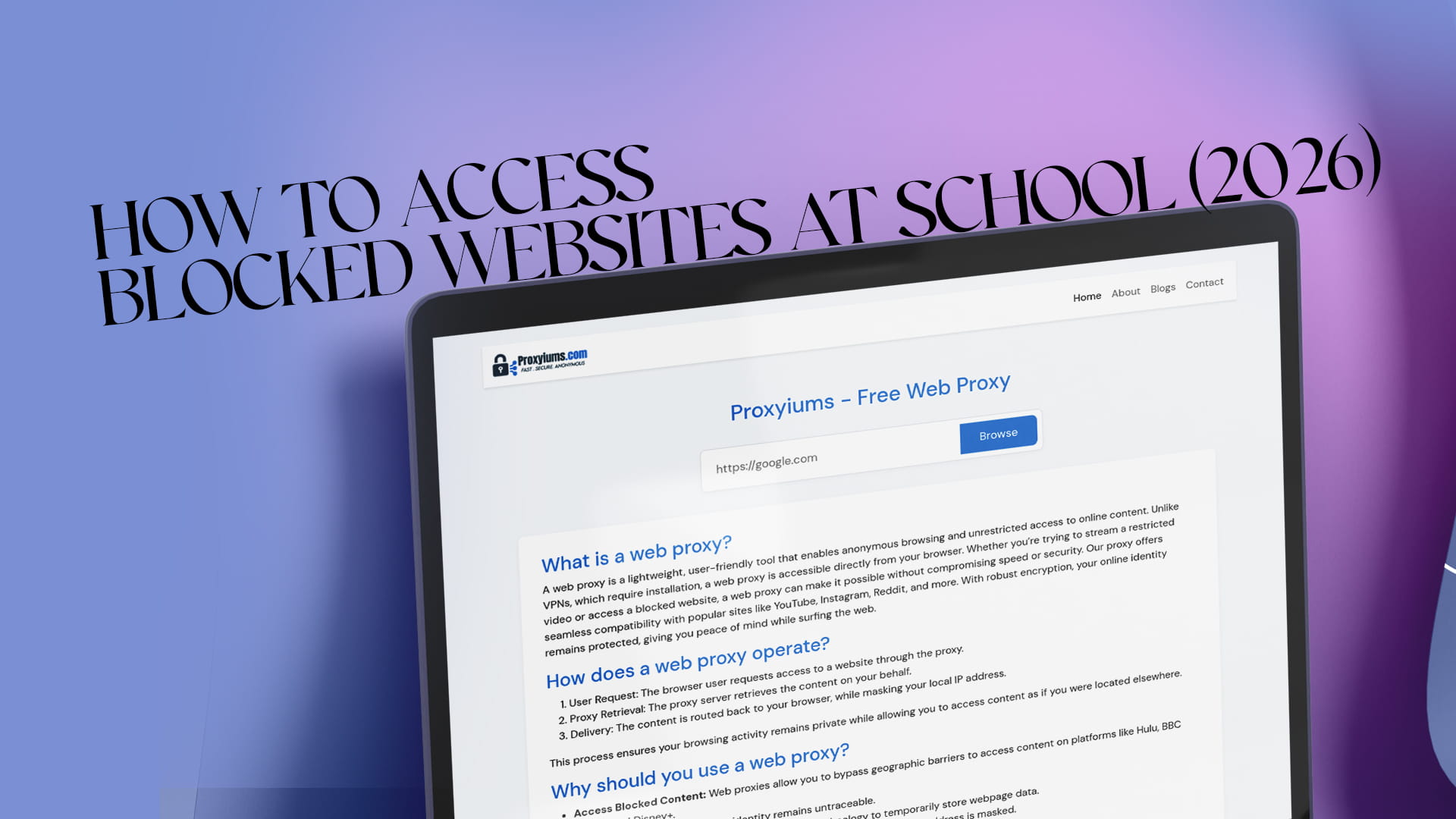
Proxyiums is a user-friendly web proxy built for exactly this situation. It enables anonymous browsing and unrestricted access to online content directly from your browser. Unlike a VPN, which requires installation and configuration, Proxyiums is accessible the moment you open the page. Whether you are trying to stream a restricted video for a lesson or open a blocked website for research, you can do it in a couple of clicks. You can read more about how the service works in this overview of Proxyiums as a free web proxy to unblock websites.
A good web proxy also adds a layer of privacy. Proxyiums encrypts your connection with SSL, even on sites that do not use HTTPS by default, so your traffic is harder to read. It hides your real IP address behind the proxy's, which keeps your identity and location private while you browse. If anonymity is your main concern, this guide to browsing fast and anonymously with a free web proxy covers what that protection actually does for you.
How to access a blocked website with Proxyiums (step by step)
Using a web proxy is genuinely beginner-level. Here is the full process:
- Open your browser. Any modern browser works—Chrome, Edge, Safari, or Firefox—on a Chromebook, laptop, tablet, or phone.
- Go to the Proxyiums website. Type the address into the bar and load the homepage. Because it runs online, there is nothing to install first. The details of how the web proxy works online are explained on the site if you want the technical side.
- Enter the blocked URL. Paste or type the full web address of the site you want to reach into the proxy's input box.
- Connect. Press the button to start your session. The proxy fetches the page through its own server and displays it inside your browser.
- Browse normally. Click links, watch videos, and read pages as you usually would. Your traffic continues to route through the proxy, so the school filter stays out of the loop.
If one site loads slowly, try reloading or clearing the input and entering the address again. Free proxies share resources among many users, so speeds can vary by time of day.
Method 2: Use a VPN
A Virtual Private Network is the heavier-duty cousin of a web proxy. A VPN encrypts all of your device's internet traffic and routes it through a private server, masking both your IP address and your activity from the network. This gives you stronger, system-wide protection than a single browser tab.
The trade-off is setup. Most VPNs require you to install an app or browser extension, and that is often impossible on a managed school Chromebook where installations are locked. VPNs can also be slower because of the heavier encryption, and reliable ones usually cost money. If you have your own laptop or phone and can install software, a reputable VPN is a solid long-term tool. If you are stuck on a school-issued device, a browser-based proxy like Proxyiums will usually be the practical choice. For a side-by-side sense of what a no-install free web proxy offers versus a full VPN, it helps to think in terms of how much you actually need to protect.
Method 3: Try simple browser-based workarounds
Some blocks are surprisingly easy to slip past with built-in tricks, and these are worth knowing because they require no tools at all.
Switch HTTP to HTTPS. If a site is blocked on its standard http:// address, try typing https:// in front of the domain instead. Some basic filters only block one version.
Use the IP address. Every website has a numeric IP address behind its name. If you can find a site's IP, typing it directly sometimes sidesteps a filter that only blocks the text domain.
Try a translation service. Loading a page through an online translator can act as a lightweight proxy, since the translator fetches and re-serves the content from its own servers.
Open a cached version. Search engines and archive services store snapshots of pages. A cached copy may load even when the live site is blocked, which is handy for reading static articles.
These methods are hit or miss. Modern filters catch many of them, but they cost nothing to try and occasionally do the job for a quick lookup.
Method 4: Use mobile data or a personal hotspot
This one sidesteps the school network entirely. If you have a smartphone with a data plan, you can turn on a personal hotspot and connect your laptop to it, or just browse on the phone itself. Because you are no longer on the school's filtered Wi-Fi, the restrictions do not apply.
The downsides are obvious: you use your own mobile data, coverage inside buildings can be patchy, and some schools have policies about phone use during class. Still, for an urgent task it is a clean and reliable fallback that no firewall can touch.
Method 5: Consider the Tor Browser
The Tor Browser routes your traffic through several volunteer-run servers, making your activity extremely difficult to trace. It offers strong anonymity and can reach content that simpler tools cannot.
For most students, though, Tor is overkill. It is noticeably slower than a proxy because of the multiple hops, it requires downloading the browser (a problem on locked devices), and many networks actively block known Tor connections. Keep it in mind as an advanced option, but for everyday unblocking at school, a web proxy gets you there faster.
Web proxy vs. VPN: which should a student pick?
Here is the short version. A web proxy is fast, free, needs no installation, and works inside the browser, which makes it ideal for school Chromebooks and one-off tasks. A VPN gives broader, device-wide encryption and is better if you want lasting privacy across every app, but it usually needs to be installed and often costs money.
For the specific job of opening a blocked website at school on a restricted device, a web proxy wins on convenience nearly every time. If you later want stronger, always-on protection on a device you control, a VPN is worth adding to your toolkit.
Tips for staying safe and anonymous
A few habits will keep your browsing both effective and private:
- Prefer proxies with SSL encryption. Encrypted connections keep your activity readable only to you, not to whoever runs the network. Tools like Proxyiums apply SSL even to sites that lack it.
- Avoid logging into sensitive accounts on free public proxies you do not trust. Stick to reputable services for anything involving personal information.
- Clear your browser history and cache after a session on a shared school device if privacy matters to you.
- Watch your digital footprint. Anonymity is about more than one tool. If you want to see where your usernames already appear online, this guide to discovering your username availability across the internet is a useful starting point for cleaning up your online identity.
- Keep it appropriate. Use these methods for research and legitimate access, not for anything that breaks your school's rules.
Final thoughts
Blocked websites at school are usually less of a wall and more of a speed bump. With the right approach you can reach the research, videos, and resources you need without much effort. For students on locked-down devices, a free web proxy is the fastest and friendliest answer: no install, no admin rights, just paste a URL and go. Tools like Proxyiums make that process simple while keeping your connection encrypted and your identity private.
Start with a web proxy for everyday unblocking, keep a VPN or mobile hotspot in reserve for bigger needs, and always stay on the right side of your school's policy. Used responsibly, these methods give you the open, useful internet that learning is supposed to run on.